


Chrome-Plated Bathroom Accessories





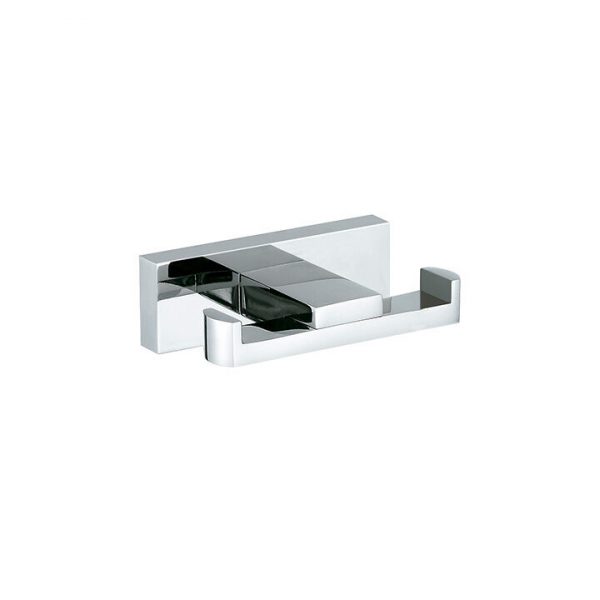


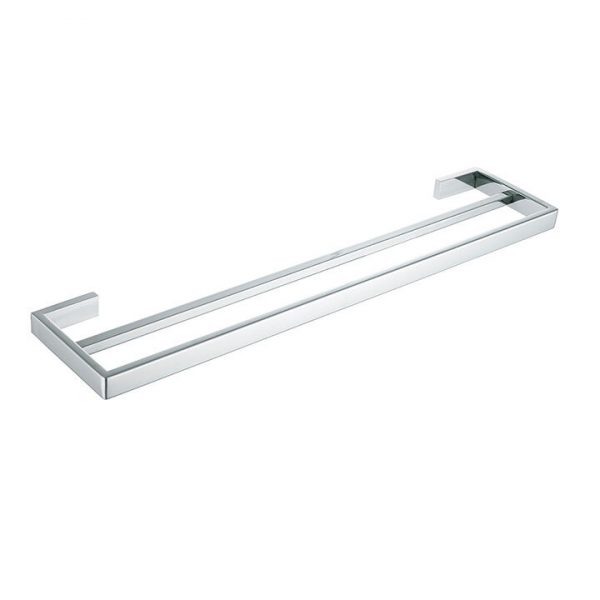
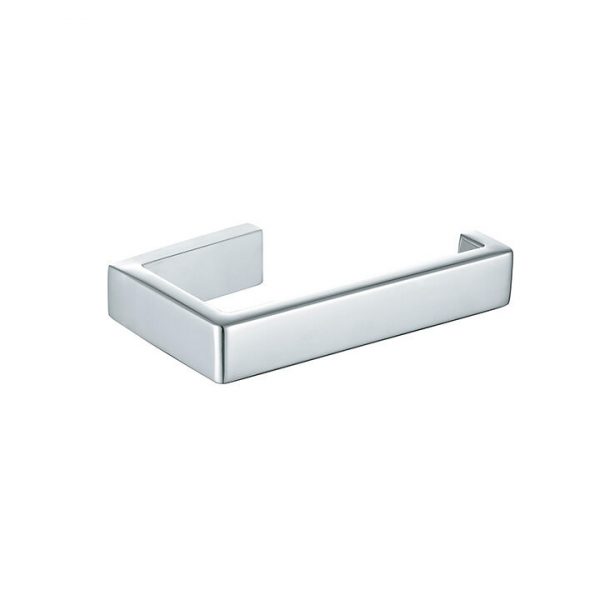
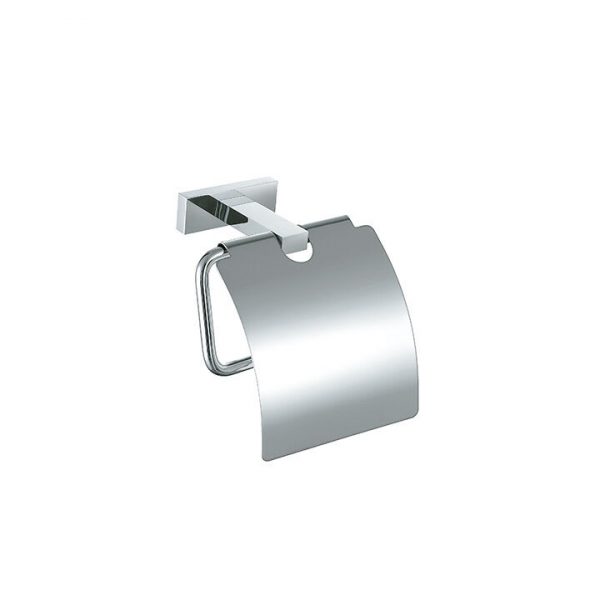





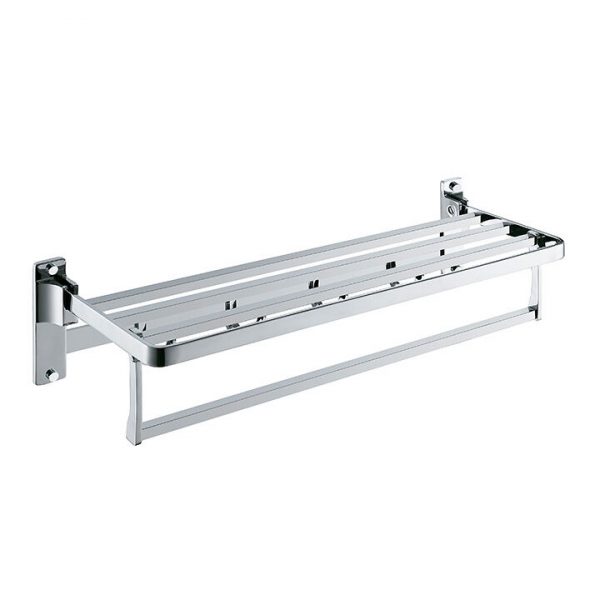
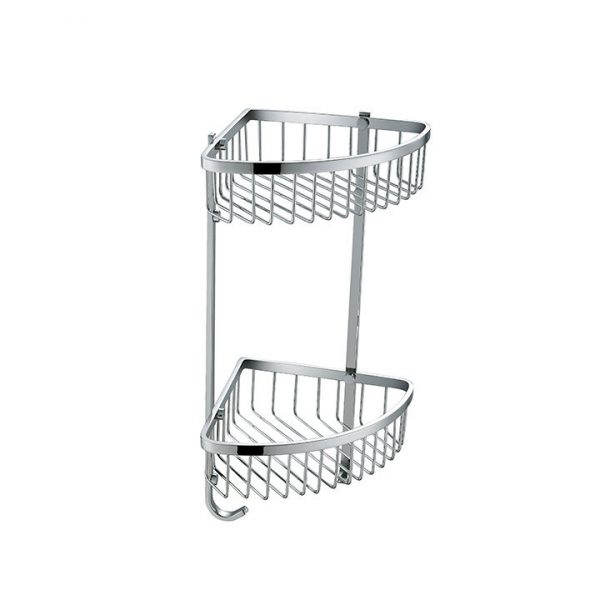
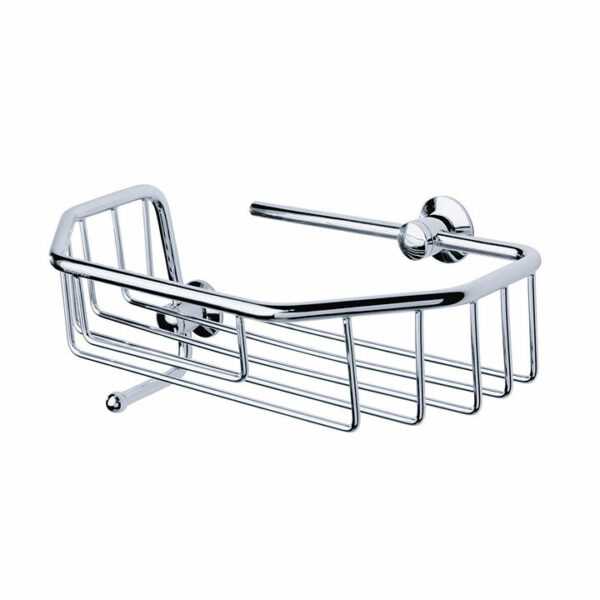
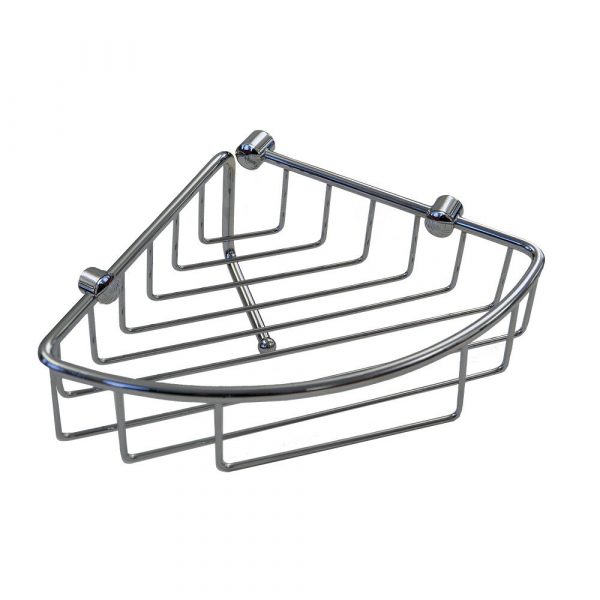
Comparing accessory families and complete codes
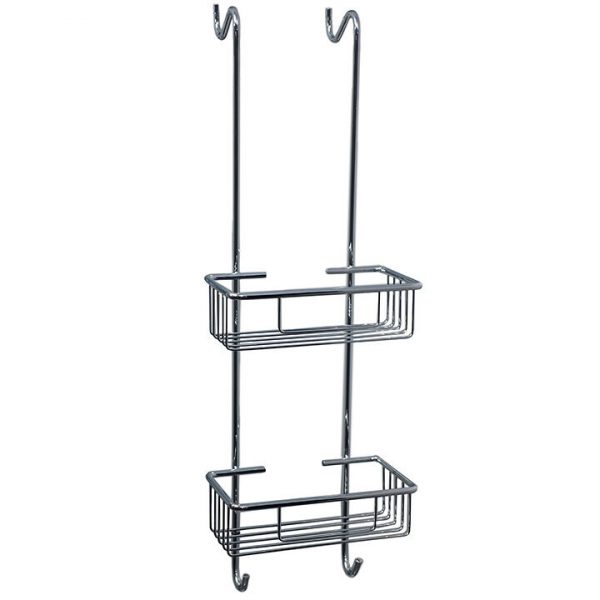
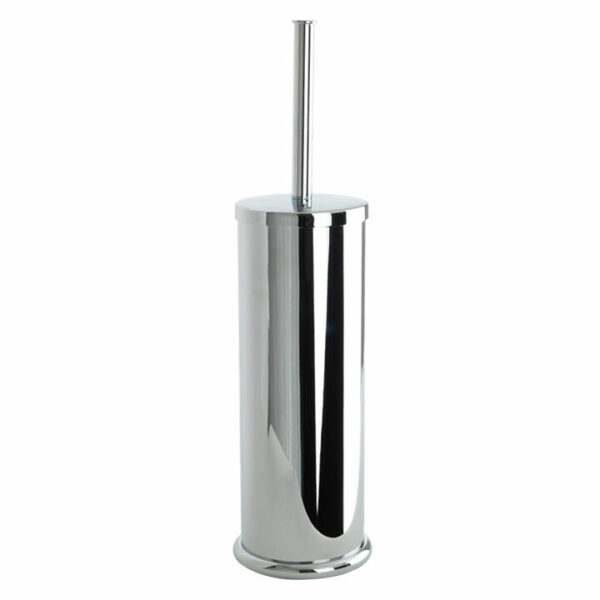
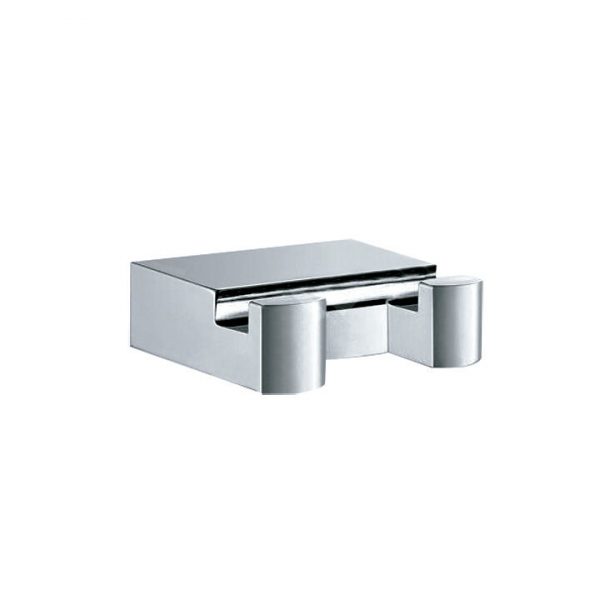
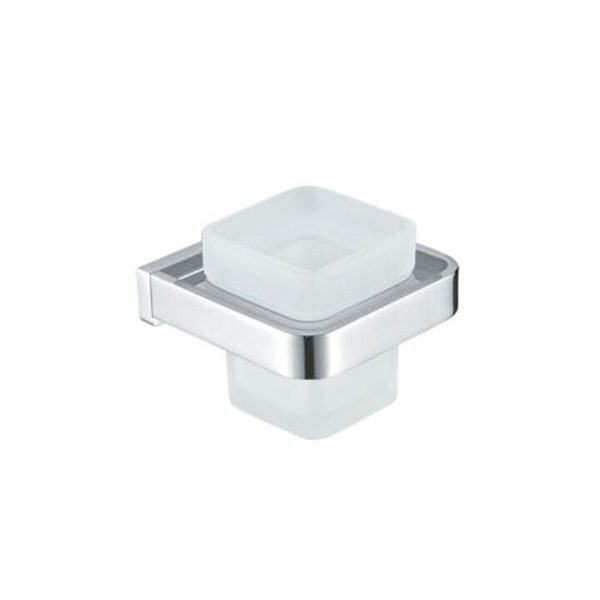
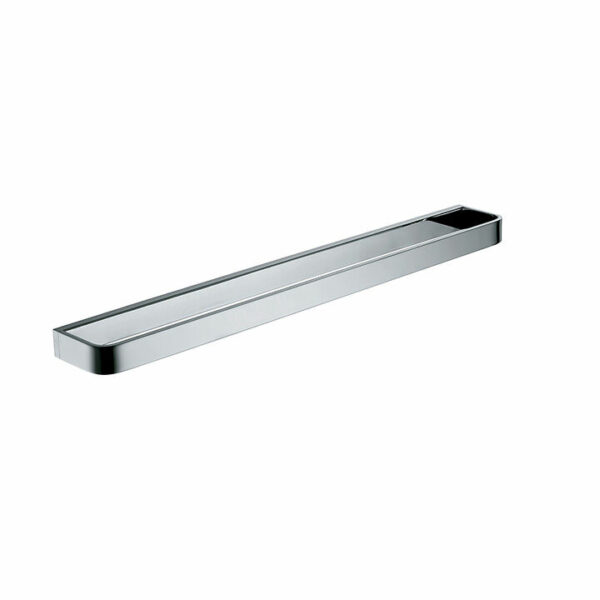
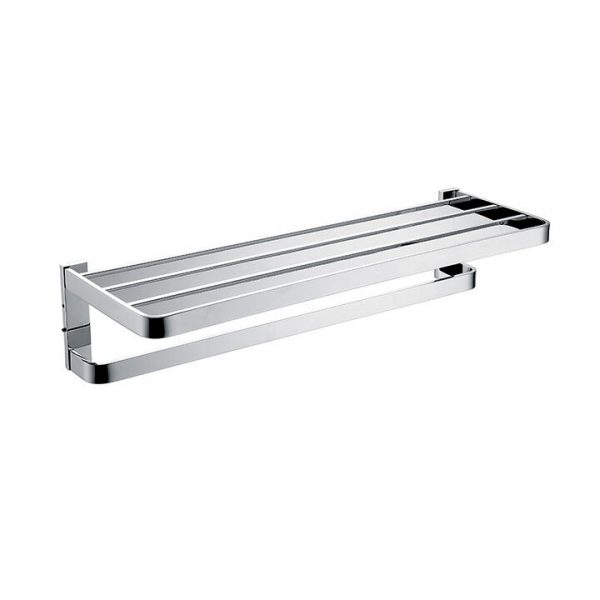
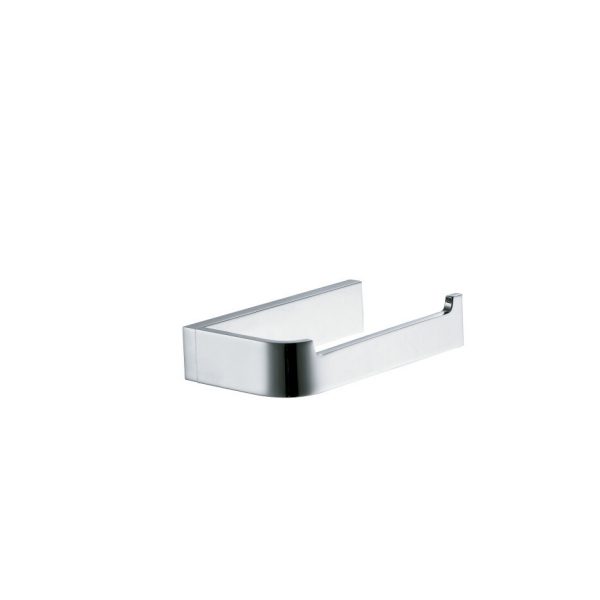
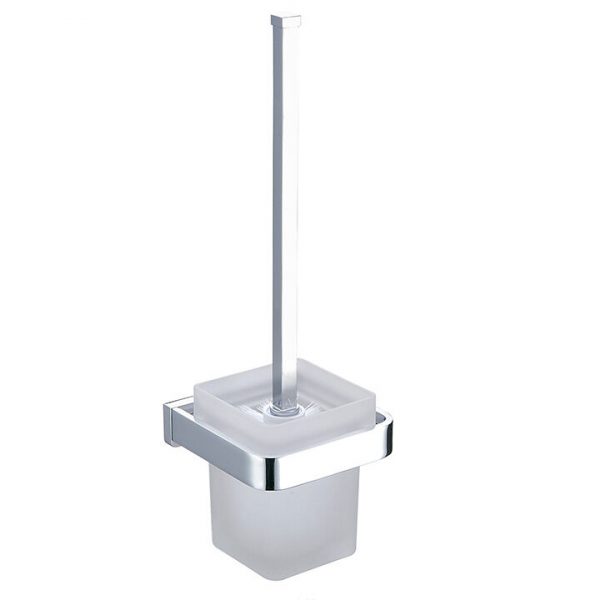
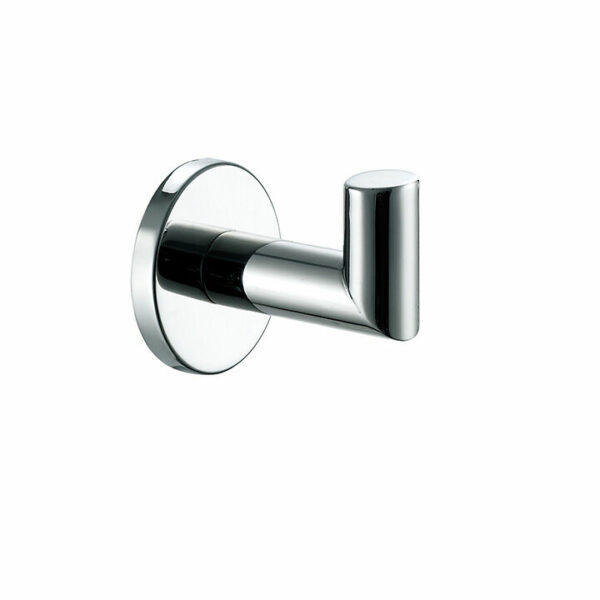
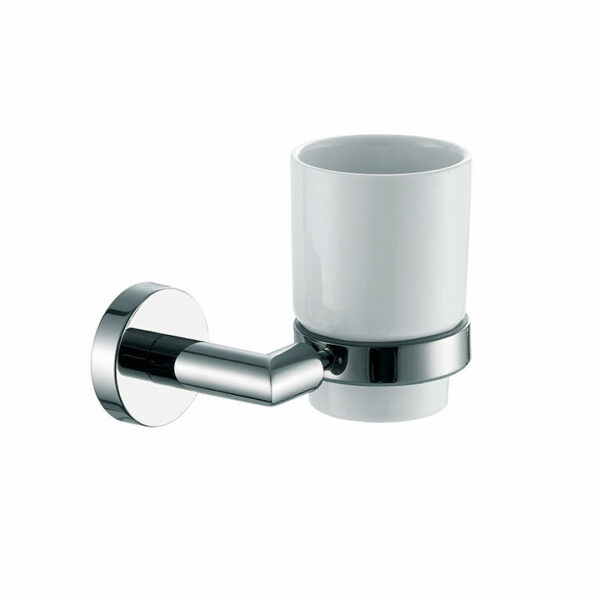
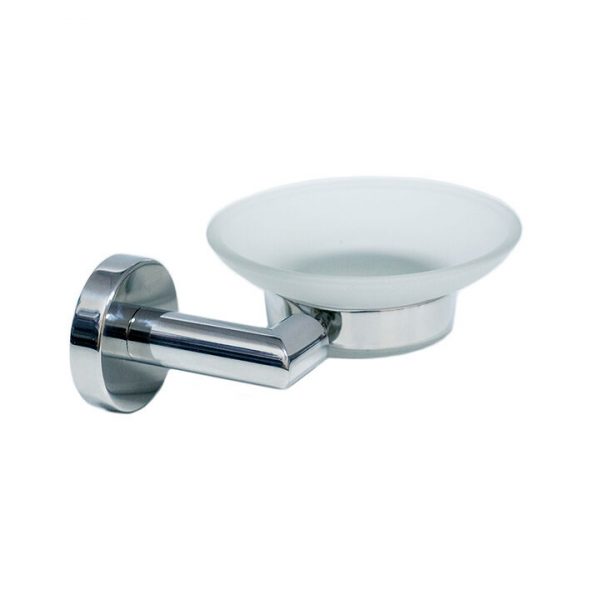
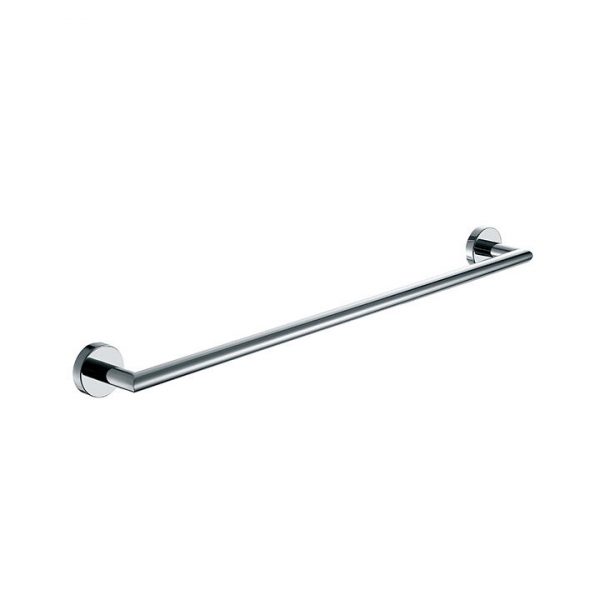
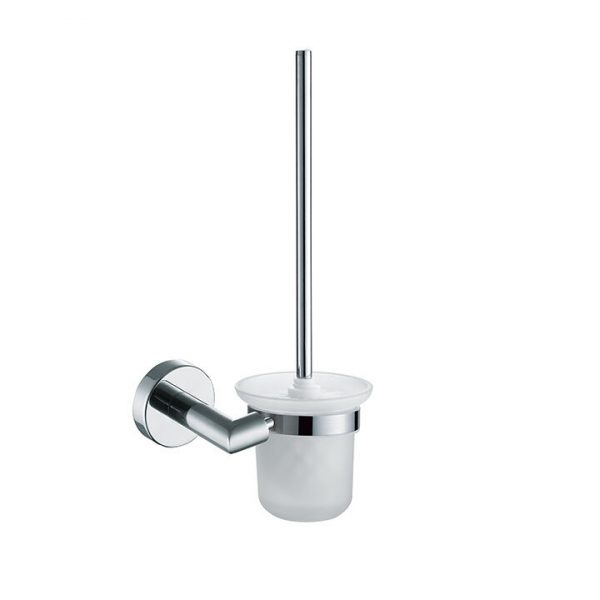
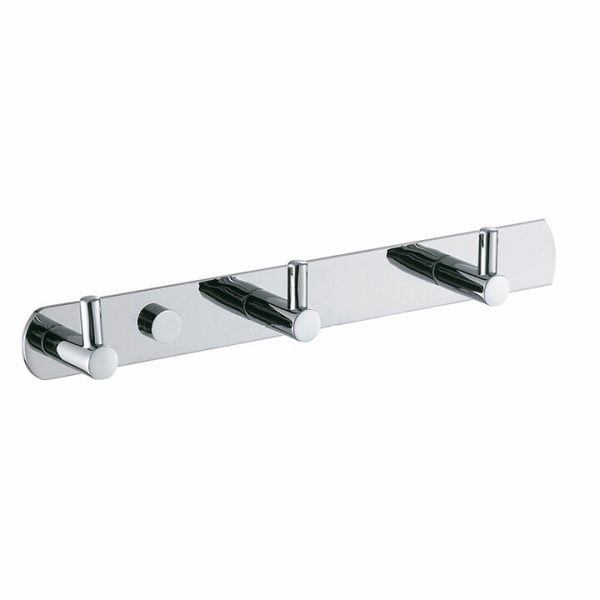
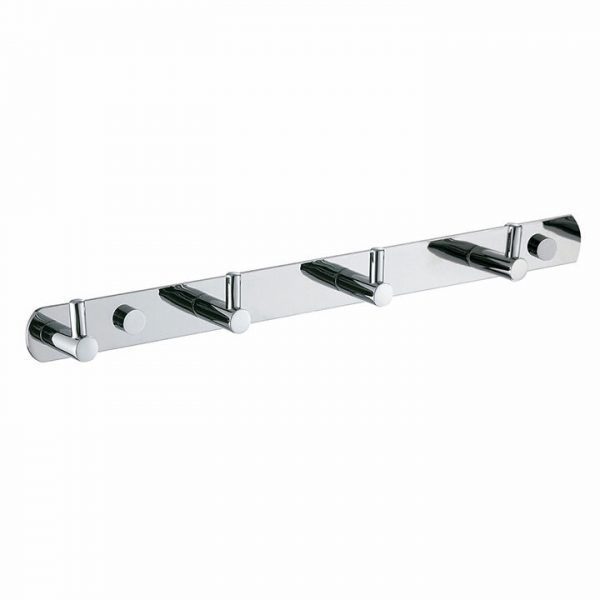
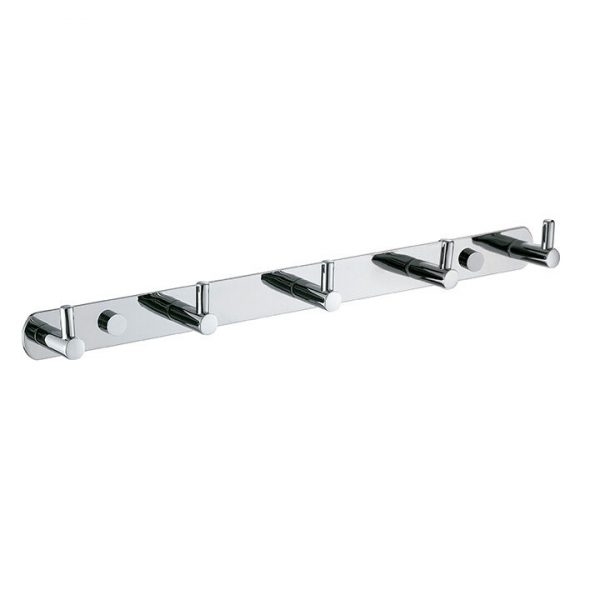
The chrome-plated bathroom accessory collection brings several product families into one browsing page. The cards include Ares AR codes, Talos TA codes, Minos products with the WH designation and a selection of EL names. Forty individual entries are displayed, so the most useful first step is to identify the family that interests you and then open its exact product page. The heading is a collection label, not a guarantee that every pictured item has the same finish or material. In particular, keep any additional designation in the product name when comparing the different versions.
Start your comparison with the role of the accessory in the room and the space available at its intended position. The pictures help you recognise the designs, but the page explicitly treats them as illustrative. For the correct component arrangement, move on to the technical catalogue and locate the corresponding code. If you are planning around an existing bath, basin or shower enclosure, record the relevant measurements rather than selecting from appearance alone. An accessory that looks suitable in a photograph still needs to be checked against the information for the particular installation you have in mind.
Ares, Talos and Minos are useful names for organising a shortlist, but the full code is what distinguishes the individual entry. The list also contains names such as EL-SHOWER and EL5714/EL5715, as well as other EL references. Do not read an abbreviation as a complete specification or infer that all members of one family share the same dimensions and mounting details. For several coordinated additions, keep one line per chosen code with a note about its intended location. That simple record makes it easier to compare the selected items without losing track of a version or suffix.
AREA Coracrylic can be contacted about a bathroom accessory selection in Athens once you have a shortlist of specific references. Include the names exactly as they appear on the cards and explain whether the project concerns new fittings or replacements around an existing layout. Confirm the finish, dimensions, installation requirements and current availability for each selected item before proceeding. The related pages below lead to the separate Minos accessory collection, bathroom seats and technical catalogues. Those links offer a way to expand the planning process while keeping different product groups distinct; they do not imply that every accessory suits every bathroom or enclosure.
Minos bathroom accessories · Bathroom seats · Bath pillows · Check the technical catalogues
A few points worth checking
Which families can I compare on this page?
The displayed collection contains Ares AR, Talos TA, Minos WH and EL references. Open the individual cards to compare complete product codes; the page brings those entries together without treating them as one interchangeable set.
Are all forty accessories the same finish?
The collection heading does not establish a single finish for every entry. Check the full product name and the information for the selected version, especially when an additional designation such as WH appears.
What helps when replacing an existing accessory?
Keep the complete code of the proposed replacement and the measurements of its intended location. Use the technical catalogue to check the component arrangement, and confirm the particular fixing requirements before choosing an item from its picture alone.